The CRA website is your ultimate guide.
Tax season can feel like the most confusing thing in the world, especially if you’re filing for the first time ever. While supporting the IGNITE Tax Clinic, I noticed that many students came in with the same questions. From figuring out what rent receipts are to setting up a Canada Revenue Agency (CRA) account, each small detail matters.
Here are some of the common questions I came across (and what worked):
“What if I make a mistake while filing?”

Shortest answer: Don’t refile the taxes.
The good news is that the CRA allows you to adjust your tax return later. Once your tax return has been processed, you can request a change through your CRA account.
“What are rent receipts?”

Rent receipts are important when filing your return. However, they don’t come in a certain format.
To access it, contact your landlord and request a rent receipt. Typically, it includes information such as:
- The landlord’s name.
- The number of months you lived at the property.
- The monthly rent amount.
It’s also important to tell your landlord that you are claiming rent, because they are required to report rental income on their own taxes.
“How do I contact the CRA?”

If you ever need help or have questions about your tax return, you can call the CRA phone line to speak with a representative.
You can reach them at: 1-800-959-8281 or at www.cra.gc.ca.
They can help with questions about your return, tax slips or your CRA account.
“I can’t access my T2202. What should I do?”

Many Humber Polytechnic and University of Guelph-Humber students have reported having trouble accessing their T2202, which is the form that shows how much tuition you paid.
One solution that worked for many students was:
- Open an incognito browser window.
- Log in to your MyHumber or WebAdvisor account.
Be patient and refresh the Incognito browser page again, if not yet accessed.
“How do I create a CRA account?”

This step confuses many students.
You cannot fully create a CRA account before filing your taxes for the first time.
Usually, the process works like this:
- File your first tax return.
- After it is processed, you can register for a CRA account.
- Typically, when registering, they ask for specific line info from your latest tax return. You can access this information by logging back into your UFile account and finding the tax return info.
“What is a NOA?”

Your Notice of Assessment (NOA) is an important document sent by the CRA after your tax return is processed.
It includes:
- Your tax calculation.
- Your refund or balance owing.
- And most importantly, your NETFILE Access Code.
Your first NOA usually arrives by mail. After that, you can choose to receive it electronically through your CRA account.
“Do I need to bring my NOA next year?”

Yes, if you’re filing again for future years, it’s helpful to bring you NOA from the year before, because it includes your NETFILE Access Code.
You can easily access it through your CRA account if you no longer have the paper copy.
“Can I file taxes from previous years?”

If your tax return for 2024 is simple, the IGNITE Tax Clinic supporters will assist you in filing for that year as well.
However, if the case may be a bit more complicated, you can find other free tax clinics through the CRA website.
“What is TIS60?”

The TIS60 is just a consent form used by tax clinics.
It simply confirms that:
- You agreed to have your taxes prepared by the clinic.
- The clinic has a record that your return was filed there.
You will also receive your own copy of this form.
“How do I find my T4A?”

You can find your T4A through your student portal:
- Log in to MyHumber or WebAdvisor.
- Go into Personal Information for Humber and on WebAdvisor for UofGH.
- Click Canadian Tax Forms for Humber.
Your tax slip should be available there.
“Which medical expenses can I file for?”

You can file any medical expenses that were not covered by insurance.
Simply bring in your receipts for the medical expenses incurred during 2025.
Book your appointment in advance
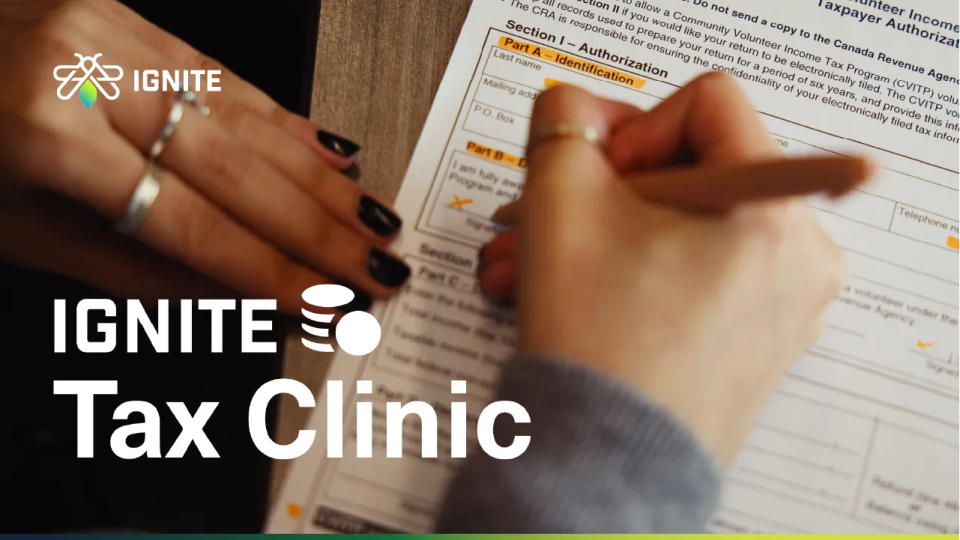
Now that you know some of the answers to your pressing questions, why not book your tax appointment? The IGNITE Tax Clinic is open until April 30.
Although walk-ins are sometimes accepted, booking an appointment for the IGNITE Tax Clinic ahead of time is highly recommended.
This helps reduce wait times and ensures our supporters can assist you as efficiently as possible. You can book an appointment here.
Feature photo courtesy of IGNITE.
Want to work at IGNITE? Check out which IGNITE role is the right fit for you?
Follow us on YouTube, Instagram and TikTok for all things student life.